How to use this calculator
- Measure the tiled surface and enter the actual tile face length and width.
- Measure the planned grout-joint width and filled depth; neither is inferred from tile thickness.
- Replace the sample per-bag yield with a value for your exact grout and joint geometry; enter waste and optional bag price.
Measure the project correctly
Measure the exposed tiled area after excluding surfaces that will not receive tile. Use one rectangle per run if the room shape changes.
Check tile caliber and the intended spacer width. Joint depth is the space grout fills after the tile is set; adhesive below the tile is not grout.
The calculation
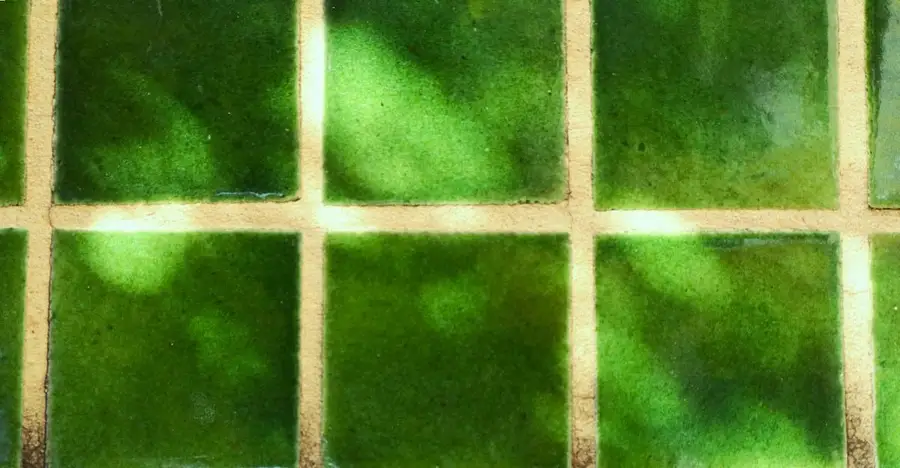
The repeated tile module includes one representative horizontal and vertical joint. Edge cuts and unusual patterns can change the physical amount.
Finished joint-volume yield is not the dry powder volume or bag weight. Product coverage tables depend on tile and joint dimensions; confirm the equivalent yield with the manufacturer.
Worked example
A 10 × 12 ft kitchen floor uses 24 × 12 in tiles, 1/8 in wide and deep joints, 10% waste, and an illustrative finished yield of 0.05 ft³ per bag.
| Step | Calculation | Result |
|---|---|---|
| Tiled area | 10 × 12 | 120 ft² |
| Joint fraction | 1 − (24 × 12) ÷ (24.125 × 12.125) | 1.54% |
| Joint volume | 120 × joint fraction × (1/8 ÷ 12) | 0.0193 ft³ |
| With waste | Joint volume × 1.10 | 0.0212 ft³ |
| Whole bags | 0.0212 ÷ 0.05; round up | 1 bag |
The yield above is a worked-example assumption, not a universal grout specification. Confirm the product coverage and whether an unopened spare bag is useful for repairs.
How to read the result
- Geometric joint volume
- Estimated space between the tiles before waste.
- Yield per bag
- User-entered finished joint volume that one product bag can fill.
- Whole bags
- Waste-adjusted volume divided by the entered yield and rounded up.
Before you buy materials
Check the grout manufacturer’s coverage chart against your tile, joint width and joint depth. A weight-only bag label is insufficient to infer finished yield.
Use the Tile Calculator to plan tile or boxes separately; tile cutting waste and grout-mixing waste are different decisions.
Common estimating mistakes
- Using tile thickness as joint depth: Measure the depth that will actually be filled with grout.
- Treating a dry bag weight as finished grout volume: Use product coverage/yield for the selected grout and joint geometry.
Assumptions and limits
- Straight rectangular grid and uniformly filled, rectangular joints.
- Grout loss from mixing, porous tile, and cleanup is represented only by the editable waste field.
Frequently Asked Questions
Common questions about the Grout Calculator.
- Does a wider joint change the estimate?
- Yes. Joint width changes the share of the tiled area occupied by grout, and the grid preview changes with it.
- Can I use this for irregular mosaic tile?
- The rectangular module may understate or overstate intricate mosaics. Use the product coverage chart for the exact mosaic instead.