

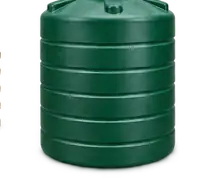
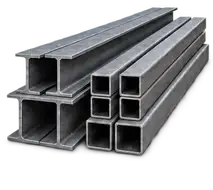
Measure the inside capacity or the metal itself
Tank Volume converts the inside profile and measured liquid level into capacity, filled volume, and space remaining. Metal Weight converts a measured cross-section, stock length, quantity and editable alloy density into mass. Their geometry and units are different, so use the tool that describes the physical object.
What to measure first
For tanks, record internal dimensions and a vertical liquid level from the lowest interior point. For metal, record actual section dimensions, stock length and material grade.
What to verify before ordering
Confirm vessel calibration or drawings for real tanks and published section weight for manufactured metal profiles. Both calculators are geometric planning estimates.
Worked example · Tank Volume CalculatorRectangular tank, 4 ft × 3 ft × 2 ft inside4 × 3 × 2 = 24 ft³
Example resultAbout 180 US galFull geometric capacity; fittings and real tank calibration can change it.