

Painting & drywall ·
How Many Wallpaper Rolls for a 12×12 Room?
Count wallpaper drops and whole rolls for a 12×12-foot room, then adjust for roll size, trimming and pattern repeat.
Free construction and home improvement calculators for homeowners, DIYers, and builders. Enter project measurements to estimate materials, waste, and what to buy.
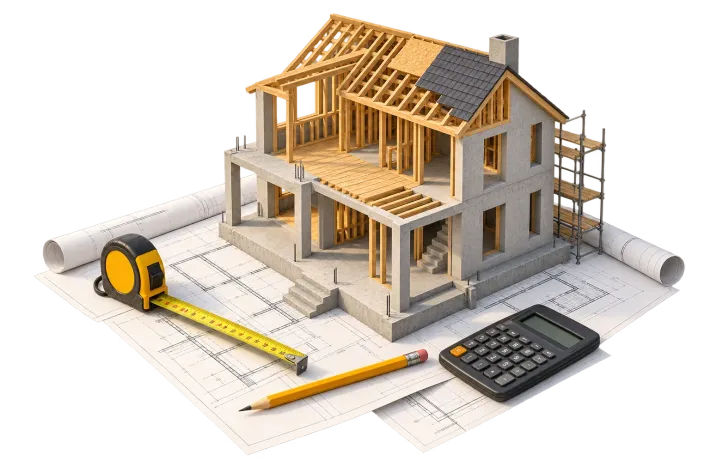
Choose a category below to find the right calculator for your project.
 1/32Concrete & MasonryConcrete CalculatorEstimate concrete for slabs, walls, footings, columns, steps, and curbs by volume or bag.
 2/32Concrete & MasonryConcrete Slab CalculatorEstimate the concrete needed for a patio, pad, or slab.
 3/32Concrete & MasonryConcrete Bag CalculatorTurn a pour volume into bags of premixed concrete.
 4/32Concrete & MasonryBrick CalculatorPlan bricks and rough mortar volume for one or two-wythe walls.
 5/32Concrete & MasonryConcrete Block CalculatorEstimate wall-facing blocks and pallet quantities.
 6/32Flooring & TileTile CalculatorEstimate tiles and boxes, including layout waste.
 7/32Flooring & TileFlooring CalculatorPlan floor covering by area and pack size.
 8/32Painting & DrywallPaint CalculatorEstimate paint for a four-wall room or one exterior facade, with openings and coats.
 9/32Painting & DrywallDrywall CalculatorEstimate sheets for walls and ceilings.
 10/32RoofingRoofing CalculatorEstimate roof surface and roofing material.
 11/32RoofingRoof Pitch CalculatorFind slope, angle, and rise from roof dimensions.
 12/32LandscapingGravel CalculatorEstimate gravel volume for a measured area.
 13/32LandscapingMulch CalculatorEstimate mulch volume, bags, or bulk orders.
 14/32LandscapingPaver CalculatorPlan paver coverage and quantity.
 15/32LandscapingRetaining Wall CalculatorEstimate wall-facing blocks only.
 16/32Other ProjectsDecking CalculatorEstimate deck surface boards and cutting waste.
 17/32Other ProjectsFence CalculatorCount straight-run panels and endpoint posts.
 18/32Other ProjectsBoard Foot CalculatorMeasure actual lumber volume for a stock list.
 19/32Other ProjectsSquare Footage CalculatorFind project area from measured dimensions.
 20/32Other ProjectsCubic Yard CalculatorConvert project dimensions into cubic yards.
 21/32Flooring & TileGrout CalculatorEstimate tile-joint volume and whole grout bags.
 22/32LandscapingPaver Sand CalculatorPlan bedding sand beneath a measured paver area.
 23/32Other ProjectsSealant / Caulk CalculatorConvert measured joint volume into whole cartridges.
 24/32Other ProjectsSiding CalculatorEstimate wall coverage and panels after openings.
 25/32Concrete & MasonryMortar CalculatorConvert brick or block joints into mortar bags.
 26/32Other ProjectsPlywood CalculatorEstimate whole sheets for a measured surface.
 27/32Painting & DrywallWallpaper CalculatorPlan matched wallpaper drops and whole rolls.
 28/32LandscapingSand CalculatorEstimate sand fill by volume, bags, bulk and weight.
 29/32LandscapingTopsoil CalculatorPlan finished soil volume for lawns and garden beds.
 30/32LandscapingAsphalt CalculatorEstimate paving mix by compacted volume and tonnage.
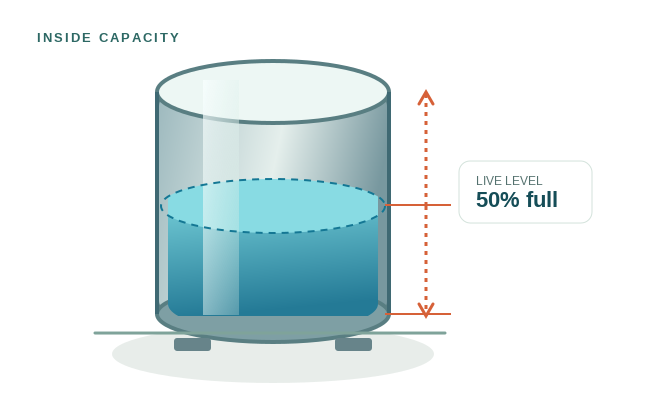 31/32Specialty MeasurementsTank Volume CalculatorFind inside capacity and partial-fill volume across 18 practical vessel forms.
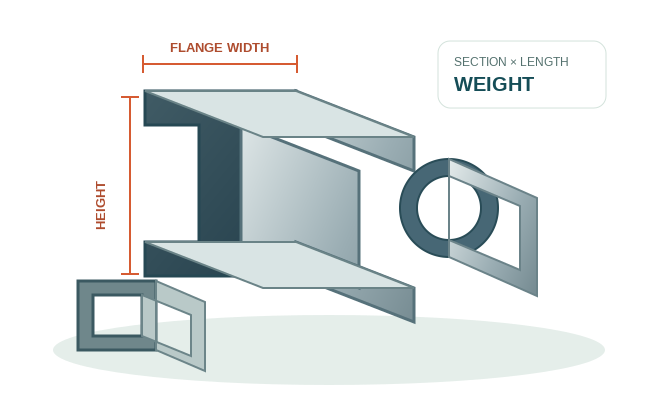 32/32Specialty MeasurementsMetal Weight CalculatorEstimate the weight of bars, plate, pipes, beams and hollow sections from dimensions and density.
No calculators match this search. Try another category or term.
Showing 1–10 of 32 calculators
New worked examples for measuring a job and turning the numbers into a material order.
Count wallpaper drops and whole rolls for a 12×12-foot room, then adjust for roll size, trimming and pattern repeat.
Compare cubic yards and whole 60- or 80-pound concrete bags for a 10×10-foot slab at three thicknesses.
See cubic-yard estimates for a 100-by-12-foot driveway at three gravel depths, with a separate check for tons and compaction.
BuildMeasurement helps you answer practical buying questions: how much concrete fills a slab, how many flooring packs cover a room, or how many pavers fit a patio. Its 32 free calculators cover 10 construction and home improvement categories.
Each tool starts with the dimensions you enter, shows the calculated area, volume, or material count, then applies any selected allowance and purchase rounding. You can inspect the formula and worked example on the same page before using the result to plan an order.
About BuildMeasurementTurn a room, wall, patio, or garden measurement into a shopping starting point.
Check material quantities against site dimensions before requesting a quote.
Follow the formula, worked example, and assumptions behind each result.
One project can need several different materials. Keep each layer or product separate so the same area is not counted twice.
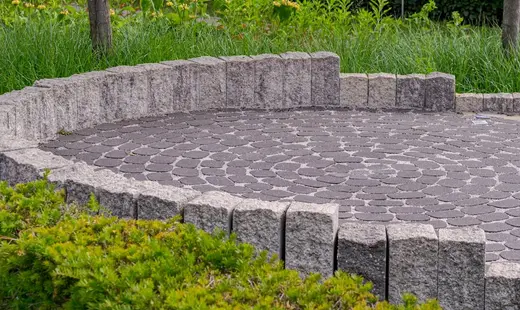
Count surface pavers first. Estimate the separate bedding sand and gravel base from their own installed depths.
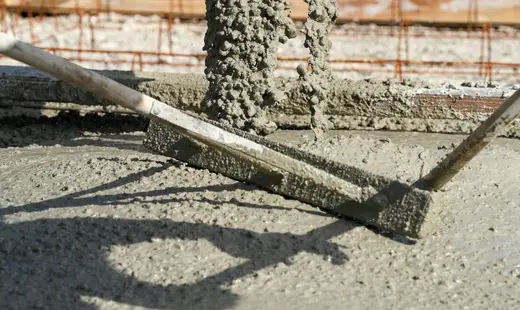
Find the concrete volume from the inside form dimensions and thickness. If buying mix, turn that volume into whole bags using the product yield.
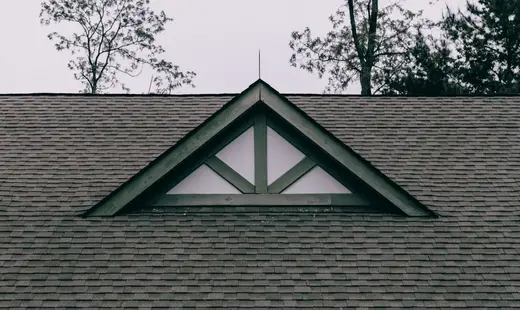
Use rise and run to understand the pitch, then calculate the sloped roof surface for squares, bundles, and waste.
Start with the right quantity, use your actual product information, and check the purchase result before ordering.
Search the catalog for the material or project. Choose an area tool for square footage, a volume tool for cubic yards, or a material tool when you need bags, boards, packs, or rolls.
Enter the real footprint, height, or installed depth. Select US or metric units, then replace sample coverage, yield, pack size, or density with the product you will buy.
Change the allowance and optional price where the tool provides them. Read the measured quantity beside the rounded purchase amount; the interactive model follows valid inputs.
Use that page’s formula, worked example, and limits to check the result. Confirm product coverage, site conditions, and supplier order increments before purchasing.
Find quick answers to common questions about our calculators, tools, and how to use BuildMeasurement.
Quick AnswersFind help in seconds
Clear MethodsFormulas you can check
Need More Help?Contact our team

All 32 calculators are free and work without sign-up. The measurements you enter are calculated in your browser.
The tool converts the current physical measurements rather than starting a different project. Check any product size or price you entered against the unit shown before you order.
The measurement is the geometric need. A selected waste allowance and whole bags, sheets, boards, or packs can raise the quantity you must buy. Each calculator labels these stages separately.
The Square Footage Calculator can add separate non-overlapping rectangles. For a material tool that accepts one shape, calculate each measured section separately. Use separate depths where the installed layer changes.
The view changes with valid inputs and can be rotated or switched to top, front, or side. Large projects may show a representative layout to keep the page responsive. Use the numerical result for the complete quantity.
The tools estimate the quantities named on their pages. Optional cost fields cover the stated materials only. Labor, delivery minimums, structural design, local codes, and site-specific installation details need separate checks.
Every calculator page has measurement notes, the formula, a worked example, assumptions, and FAQs for that material. The site-wide methodology explains the general approach to units, allowances, and rounding.
Choose a material and enter your own measurements.